A new Rovo Agent: Meet Capacity Planner Assistant
Get instant answers about team capacity, availability, and delivery risk, right where you work

We’re introducing Capacity Planner Assistant, a new Rovo agent that brings a conversational interface to Capacity Planner.
This allows you to ask questions in plain language and get answers based on live planning data – all without having to click through any plans or reports to find them.
The assistant can answer questions scoped to specific teams and, when Tempo Timesheets is installed, combine planned data with logged hours. Every response includes a link to the relevant Capacity Planner view, so you can move from insight to action right away.
What it brings
With Capacity Planner Assistant, you can:
Check capacity and availability: See who has unallocated time and who is overbooked.
Identify risks: Get on-demand signals for tasks at risk of missing their estimates and projects with significant drift.
Match skills to work: Find the best available resource for a task based on specific skills.
Compare plans to actuals: Spot gaps between planned and logged hours from previous periods.
Plan time: Create plans for people on specific tasks directly in the chat.
Why this matters
Faster answers
No more digging through plans and reports – Capacity Planner Assistant turns those questions into a single conversation, so managers spend less time searching and more time deciding.
Better decisions with the full picture
Because the assistant can compare planned work with actual hours, you can catch patterns that are easy to miss in a single view, such as teams that consistently underestimate certain types of work.
Actions, not just answers
Each response links to the relevant plan or report, so insights lead directly to the view where you can make changes.
Getting started
Capacity Planner Assistant is available to users with at least one of the following Tempo Team permissions: “View Plans” or “Manage Plans”.
That’s it – if you are on an Atlassian plan that supports Rovo, then there is no extra cost involved, and you can get started today.
To open the assistant, select Ask Rovo in the Jira sidebar, choose Capacity Planner Assistant from the Rovo dropdown, and ask your question in natural language. Try questions like “Who on my team has capacity this week?” or “Which tasks are at risk of missing their estimates right now?”
Capacity Planner
Integrate seamlessly with Jira
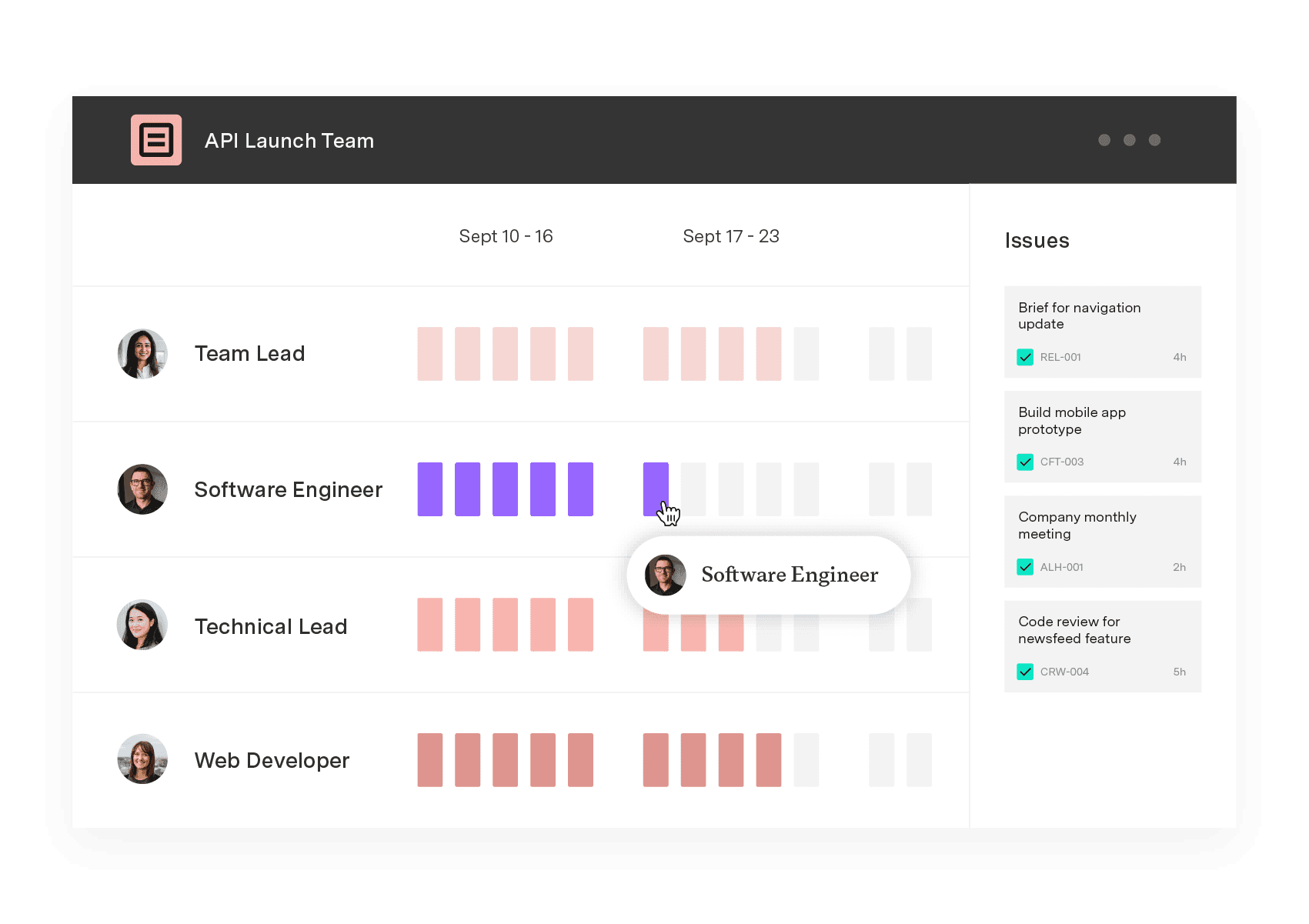
Capacity Planner is the only tool in the Atlassian Marketplace that allows planning for multiple resources on one issue. Users can customize the UI to include their existing Jira issues and projects.
Start a Free Trial