Tempo vs. Meisterplan: Portfolio management comparison
Tempo brings native Jira portfolio governance with financial and BI depth to organizations that have outgrown lightweight planning overlays.


Key Takeaways
Tempo is a modular alternative to Meisterplan for Atlassian-standardized enterprises that want portfolio governance with financial and BI depth inside Jira.
Meisterplan optimizes for lean PPM and scenario simulation across mixed tools. Its cross-tool abstraction means reconciliation loops and lower delivery fidelity for Jira-first organizations.
Tempo Financial Manager and Tempo Timesheets add CapEx/OpEx account classification and Jira-worklog-grounded billable-hour reporting on top of the time tracking and Plan vs. Actual analysis Meisterplan already offers.
Tempo adds governance depth inside the Atlassian stack you already run, rather than layering another tool on top.
Tempo offers a modular alternative to Meisterplan for organizations that want native Jira portfolio governance with real financial and BI depth, not a planning overlay that trades delivery fidelity for cross-tool abstraction.
Lean PPM tools appeal to PMOs that want scenario modeling and resource planning above multiple delivery systems. Meisterplan focuses on exactly that – per its reported third-party recognition, it holds a market-leader position in the lean PPM category, with scenario modeling at the core of its product.
For organizations running portfolios across Jira, Microsoft Project, and spreadsheets, that overlay model addresses a real problem. For Atlassian-standardized enterprises, Tempo's native architecture eliminates external data synchronization – Jira stays the system of record.
How do Meisterplan and Tempo compare?
Tempo offers a Jira-native strategic portfolio management (SPM) suite and serves 30,000+ companies across technology, financial services, professional services, and the public sector. Tempo Structure PPM, Timesheets, Capacity Planner, Financial Manager, and Custom Charts run inside Jira and share its data model.
Meisterplan is a portfolio management and resource planning tool positioned as a lean PPM solution. It's built to aggregate demand and resource data from multiple project management tools via connectors and provide planning, scenario simulation, and capacity visibility in a single interface. Ease of adoption and scenario modeling are its primary selling points.
Because Tempo extends Jira's data model directly, planning and delivery share the same data. A resource capacity update in Capacity Planner reflects Jira's current state; a financial report in Financial Manager reflects time entries logged this week.
What each solution is best for
Dimension | Tempo | Meisterplan |
|---|---|---|
Best-fit buyer | Atlassian-standardized PMO, finance/FP&A, Delivery Ops teams | PMO planners managing portfolios across multiple delivery tools |
Primary workflow | Portfolio governance with financial depth derived from Jira work | Scenario simulation and resource planning above mixed tools |
Deployment style | Modular Jira app, Atlassian Marketplace install | SaaS overlay connected to delivery tools via connectors |
Financial model | Real-time labor costs, CapEx/OpEx, budget vs. actuals from Jira time entries – plus revenue and cost forecasting and project profitability | High-level budget allocation and scenario modeling for portfolio planning; not built for ledger-grade financial accounting against delivery work |
Delivery relationship | Native – Jira is the source of truth | Integration – cross-tool connector, not native to Jira |
Foundational differences between Tempo and Meisterplan
Dimension | Tempo | Meisterplan |
|---|---|---|
Primary purpose | Jira-native SPM – time, capacity, financial, and portfolio governance | Lean PPM overlay optimized for planning and scenario simulation across tools |
Portfolio management | Custom issue hierarchies across projects and programs, with roll-ups of effort, cost, and status – scaling to 30,000 issues per structure on Cloud and roughly 100,000 on Data Center | Portfolio and planning hierarchy maintained in Meisterplan, connected to source tools |
Financial management | Budget vs. actuals, labor costs, CapEx/OpEx, expenses – plus revenue and cost forecasting and project profitability | Portfolio-level budget tracking with what-if scenarios; not built for granular CapEx/OpEx accounting tied to Jira worklog data |
Capacity planning | Availability-based individual and team planning (holidays, PTO, roles, generic resources), with utilization and planned vs. actual from logged time | Scenario simulation and capacity modeling are core to the product |
Time tracking | AI-powered (Rovo agents), with approvals and CapEx/OpEx accounts | Native time tracking ("Actuals – Time Worked," Pro and Premium) via self-service logging, managerial entry, or import, feeding Plan vs. Actual dashboards; no CapEx/OpEx account classification tied to Jira worklogs |
Primary buyer | PMO, finance, Portfolio Managers, Engineering leadership | PMO directors and resource managers seeking a lightweight PPM overlay |
Jira integration | Native – Jira is the system of record | Integration – cross-tool connector, not native |
The core difference is architectural. Meisterplan sits above delivery systems as a tool-agnostic planning surface; Tempo extends Jira's data model, so planning and delivery share a single source of truth. That depth is Jira-specific by design – it's not a cross-tool abstraction.
How Tempo and Meisterplan approach AI and integrations
Tempo's Rovo agents run across the suite inside Jira. On the Structure PPM side, Structure View Builder handles natural-language view configuration and Structure Formula Assistant builds the formulas behind Structure calculations, and Custom Charts Assistant builds Custom Charts on Jira dashboards from natural-language prompts. The Timesheets agents handle time logging and reporting: Timesheets Worklog Assistant supports natural-language time logging in Jira, Timesheets Summary Analyzer gives project and team leads a view of time allocation, and Time Insights for Jira surfaces user-level summaries against native Jira worklogs. A human approves before time hits CapEx or OpEx accounts, and every Rovo-assisted entry is auditable line by line.
Rovo features are available across paid Atlassian Cloud plans, with full credit allocations on Premium and Enterprise. Time data stays accurate where it starts, so Tempo Financial Manager and Tempo Capacity Planner operate on live Jira data.
Meisterplan's intelligence story centers on scenario simulation – modeling resource allocation trade-offs, flagging capacity conflicts, and evaluating what-if options. That's a real strength for PMOs whose primary workflow is iterative resource allocation modeling.
For integrations, Tempo is Atlassian-native – Jira, Confluence, and Atlassian Analytics. BI reach comes from Tempo's BI Connector modules – Power BI Connector for Jira, Tableau Connector for Jira, BigQuery Connector for Jira, and Looker Connector for Jira – available as separate modules of the Tempo SPM suite. The Power BI Connector ecosystem extends beyond Jira to ServiceNow and monday.com, so reporting can consolidate in BI when delivery spans systems.
Meisterplan connects to a broader set of delivery tools, which helps organizations running programs across Jira and Microsoft Project at the same time. For single-tool Jira environments, that cross-tool breadth adds overhead Tempo's native model avoids.
Top Meisterplan strengths
For PMOs whose core workflow is capacity trade-off analysis, Meisterplan's scenario-based resource modeling delivers these advantages:
Lean PPM positioning with easy adoption and low configuration overhead.
Fast what-if scenario and capacity modeling across mixed delivery tools, with lean PPM simplicity that stands up in weeks rather than a heavy platform rollout.
Cross-tool integration framing for mixed portfolios.
ISO certifications referenced in Meisterplan's public compliance posture.
What is Tempo's strength vs Meisterplan?
Tempo's advantage is native Jira governance without cross-tool sync overhead, backed by financial and BI depth Meisterplan doesn't try to cover.
REDspace estimated cost savings of over $220,000 CAD (roughly $25,000 per Project Manager annually) – from Tempo's full suite, per REDspace's reported account.
Portfolio data comes from Jira natively. Tempo extends Jira's data model directly – no cross-tool data abstraction.
Financial depth. Tempo Financial Manager covers CapEx/OpEx, budget vs. actuals, and labor costs tied to actual time entries, including Projected Profit, Projected Labor Cost, and Projected Labor Revenue derived from Capacity Planner's planned time. Forecasts move with the plan rather than living in a separate model.
Project Portfolios roll multiple projects into portfolio-level KPIs, with flexible cost rates – global, project, or team-member-specific, each with effective dates. That's the kind of Jira-native financial mechanic Meisterplan's lean PPM positioning doesn't foreground.
BI depth. Tempo Custom Charts delivers portfolio analytics inside Jira dashboards and Confluence, with BI Connector modules – Power BI Connector for Jira, Tableau Connector for Jira, BigQuery Connector for Jira, and Looker Connector for Jira – for downstream warehouses.
Governance depth with concrete adoption triggers. Start with Tempo Timesheets. Add Tempo Financial Manager when finance asks for CapEx reporting. Add Capacity Planner when planning conversations need real numbers, not headcount estimates.
Compliance coverage including SOC 1, SOC 2 Type 2, ISO 27001/27701, and PCI DSS certifications, plus CSA STAR Level 1, DORA alignment, and a VPAT, with GDPR and CCPA covered via standard DPA. These certifications and Rovo features apply to Tempo Cloud; Data Center deployments operate under their own compliance posture.
Ideal customer for each tool
Choose Tempo if...
Your delivery teams are in Jira and you want portfolio, financial, and capacity governance sourced from Jira data.
finance or FP&A needs CapEx/OpEx classification, time approvals, and project-level cost reporting based on actual time.
You want embedded portfolio dashboards, Gantt timelines, and custom charts without leaving the Atlassian ecosystem.
Modular adoption matters. Start with Tempo Timesheets or Tempo Structure PPM and expand.
Choose Meisterplan if...
Your portfolio spans Jira and non-Jira delivery tools and you need a single planning surface above them.
Scenario simulation and what-if resource allocation modeling are central to your PMO workflow.
A lean deployment model and low configuration overhead are priorities.
Capacity planning is the core governance problem and financial depth isn't a primary requirement.
When should you choose Tempo vs. Meisterplan?
Choose Tempo | Choose Meisterplan |
|---|---|
Jira is your delivery system and portfolio truth should be sourced from it natively | Portfolio programs span multiple delivery tools and a unified planning overlay is needed |
finance needs CapEx/OpEx and labor-cost reporting based on actual time entries | Scenario simulation and what-if capacity modeling are primary PMO workflows |
Modular Atlassian-native adoption matters – no new platform | Lean adoption and low configuration overhead are the primary evaluation criteria |
Delivery-to-cost traceability at project and portfolio level is a requirement | Resource conflict resolution is the core problem, financial depth is secondary |
Recap
For PMOs managing portfolios across multiple delivery tools, Meisterplan's lean PPM positioning is coherent – scenario simulation is the product's core, and its ease-of-adoption story is earned.
The difference shows up when finance enters the conversation. Meisterplan captures actuals for Plan vs. Actual analysis, but auditable CapEx/OpEx classification and billable-hour accuracy need time data tied to the work item and an account model – the accounting model Tempo builds directly on the Jira issue.
Sign up for a demo
Request DemoTempo starts from delivery fidelity. Because Tempo Timesheets captures time at the Jira issue level and Tempo Financial Manager reads that data directly, the financial reports PMO and finance need are grounded in what delivery teams logged – not in a planning model's estimate. For Atlassian-standardized enterprises that need both portfolio visibility and auditable cost data, that's the distinction that matters.
Compare Tempo to other solutions
See Comparisons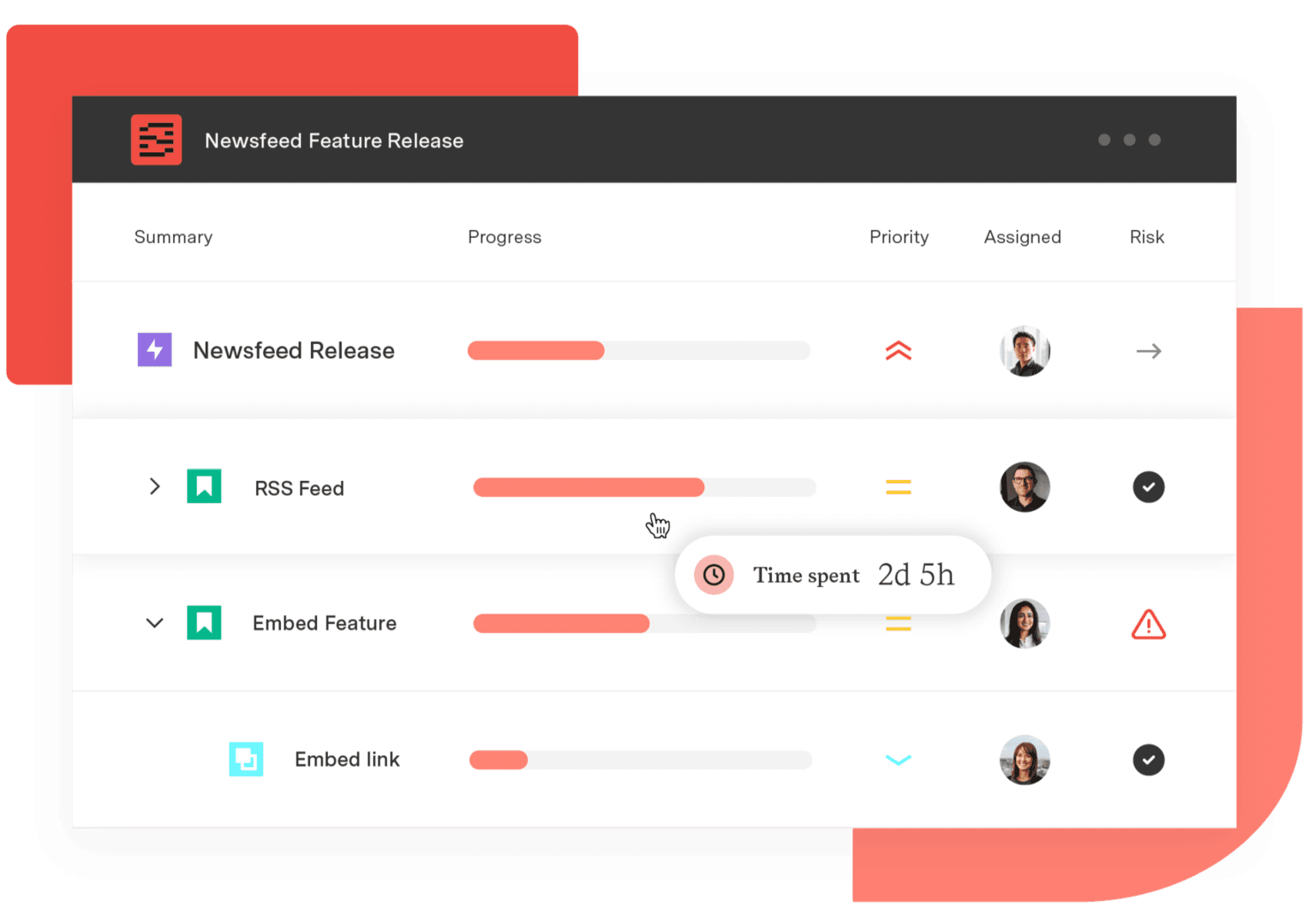
Structure PPM
Align your entire organization
Manage products, projects, and programs in a single spreadsheet-like view. By providing a clear, real-time view of project progress and resource allocation, Structure helps teams meet deadlines and adapt swiftly to changing priorities.
Start a Free TrialFrequently Asked Questions
Couldn't find what you need?Go to our documentation
Partially. Meisterplan offers native time tracking – "Actuals – Time Worked" in its Pro and Premium editions – with self-service logging, managerial entry, and import via spreadsheet, REST API, or Zapier, feeding its Allocation Tracker and Portfolio Dashboards for Plan vs. Actual analysis. What it doesn't provide is CapEx/OpEx account classification: Tempo Timesheets logs time on the Jira issue, and Tempo Financial Manager classifies CapEx/OpEx from those entries directly.
Meisterplan offers a Jira integration through a connector rather than a native Atlassian Marketplace app, so portfolio data lives in Meisterplan's overlay and syncs from Jira. Tempo, by contrast, is distributed through the Atlassian Marketplace and extends Jira's data model directly.
Tempo is priced per product on tier-based plans through the Atlassian Marketplace, so PMO buyers can model spend before engaging sales. Meisterplan's enterprise pricing is contact-for-quote through its sales team, scoped per organization. The honest comparison is transparent self-serve pricing vs. a sales-led quote.
Tempo's deepest data fidelity applies to Jira-native work. For work managed in other delivery tools, Tempo doesn't provide native connectors. Organizations with true multi-tool portfolios may find Meisterplan's cross-tool abstraction more directly useful for the planning layer.
Tempo holds SOC 1, SOC 2 Type 2, ISO 27001/27701, and PCI DSS certifications, plus CSA STAR Level 1, DORA alignment, and a VPAT, with GDPR and CCPA covered via standard DPA for Tempo Cloud, covering procurement requirements for most regulated industries. Data Center deployments operate under their own compliance posture.
Tempo Financial Manager tracks CapEx/OpEx based on time entries logged in Tempo Timesheets, classifying work as capital or operational expenditure at the account or project level. That supports software development capitalization reporting with auditable time-entry-based actuals.
Tempo's modular structure – install from the Atlassian Marketplace, configure Tempo Accounts and Tempo Timesheets, add Tempo Structure PPM or Tempo Financial Manager as needed – typically supports productive use within weeks for organizations already standardized on Atlassian.
Related comparisons: - Tempo vs OnePlan - Tempo vs Planisware - Tempo vs BigPicture