ClickUp vs. Tempo: Strategic portfolio management comparison
For Jira-standardized orgs that need financial and portfolio governance, Tempo adds control on top of what engineering already runs.


Key Takeaways
Tempo offers a Jira-native SPM suite that adds portfolio governance, financial management, and capacity planning on top of the Jira system engineering teams already use.
ClickUp is an all-in-one work management platform that pulls tasks, docs, dashboards, and AI together across departments – positioned as a unified surface for engineering and operational teams looking to streamline disjointed tooling workflows.
For Jira-standardized organizations, Tempo keeps Jira as the system of record and pulls governance intelligence from real Jira work data – no platform switch required.
ClickUp's consolidation story lands with teams chasing simplicity. Tempo's governance story lands with PMOs and finance teams that need auditability.
Buyers evaluating a modular alternative to ClickUp are usually asking a sharper question than "which tool is better?" They're asking whether consolidation or governance is the more important unsolved problem.
ClickUp's pitch is consolidation – replace your point tools with one platform, apply AI across all of it, and run your workspace from a single surface. Tempo's pitch is governance – keep Jira as the delivery system of record and add financial, capacity, and portfolio intelligence on top of it.
Replacing Jira to get portfolio governance tends to introduce more risk than it removes – migration cost, workflow reconfiguration, field mapping, and the multi-quarter drag of change management. Keeping Jira and adding portfolio control is a different trade.
This page compares the two products on primary purpose, financial depth, capacity planning, time tracking, AI, and Jira integration – without pretending either is a universal answer.
How do ClickUp and Tempo compare?
ClickUp is a cloud-based work management platform that markets itself as an all-in-one option for project management, documentation, communication, and goal tracking. It serves teams across marketing, operations, software development, and professional services. The value proposition is consolidation: One platform where teams manage tasks, docs, dashboards, and automations, with an AI assistant (ClickUp Brain) spanning these functions. ClickUp has cited ROI from platform consolidation per ClickUp's published Forrester TEI.
Tempo has a Jira-native strategic portfolio management (SPM) suite with 30,000+ companies and 15+ years in the Atlassian ecosystem. Its suite – including Tempo Structure PPM, Tempo Timesheets, Tempo Capacity Planner, Tempo Financial Manager, and Tempo Custom Charts – is built for PMO directors, finance/FP&A, and engineering leaders who need portfolio-level visibility into cost, capacity, and delivery performance pulled from Jira.
The division is practical: ClickUp bets consolidation beats a set of point tools; Tempo bets the system engineering already runs – Jira – can govern the portfolio too, without replacing it.
What each solution is best for
Use case | Tempo | ClickUp |
|---|---|---|
PMO/Finance governance in Jira-standardized orgs | Purpose-built on Jira data | Not the primary focus; ClickUp aims to be the primary work surface |
Tool consolidation for non-Jira teams | Not a primary focus | Strong fit – one platform for tasks, docs, dashboards, automation |
CapEx/OpEx and budget vs. actuals | Dedicated Financial Manager; worklog-based actuals | No native CapEx/OpEx accounting |
Cross-departmental task management | Not Tempo's focus | Broad departmental landing pages, AI-assisted task and doc workflows |
Capacity planning with PvA | Individual + team dashboards, planned vs. actual from time logs | Workload views within ClickUp's workspace |
Foundational differences between Tempo and ClickUp
Dimension | Tempo | ClickUp |
|---|---|---|
Primary purpose | Jira-native SPM – time, capacity, financial, and portfolio governance | All-in-one productivity platform consolidating tasks, docs, goals, and AI |
Portfolio management | Custom issue hierarchies across projects and programs via Structure PPM, scaling to tens of thousands of issues per structure | Workspaces → Spaces → Folders → Lists → Tasks within ClickUp's own model |
Financial management | Budget vs. actuals, labor costs, CapEx/OpEx, expenses via Financial Manager – plus revenue and cost forecasting and project profitability | Time estimates and basic reporting; No native CapEx/OpEx governance |
Capacity planning | Availability-based individual and team planning across roles and utilization, with planned vs. actual | Workload view based on ClickUp task assignments |
Time tracking | Suggested entries via Atlassian Rovo agents (paid Atlassian Cloud; full credits on Premium and Enterprise), with human approvals and CapEx/OpEx accounts | Native time tracking available within ClickUp |
Primary buyer | PMO, finance, Portfolio Managers, Engineering leadership | Team leads, project managers, ops managers, department heads |
Jira integration | Native – Jira is the system of record | Integration/sync; ClickUp positions as a Jira alternative |
Portfolio management means different things here. For team leads consolidating fragmented tools, ClickUp's answer – can I see all my team's work in one place? – is enough. For a CFO-facing PMO, the question is whether the portfolio's cost, capacity utilization, and CapEx/OpEx classification can survive an audit. That's a different problem.
That answer needs time actuals, account classifications, and an audit trail tied to the Jira issues engineers update every day, with planned vs. actual reporting flowing into finance reviews.
How Tempo and ClickUp approach AI and integrations
ClickUp Brain covers writing assistance, task summarization, automated status updates, and conversational queries across workspace data. For teams adopting ClickUp as their primary work surface, ClickUp Brain adds daily productivity value across tasks, docs, and goals.
Tempo's AI is applied narrowly, but it reaches reporting and portfolio work, not just time tracking. On the Custom Charts side, the Custom Charts Assistant builds Jira dashboard charts from a natural-language prompt. On the Structure PPM side, Structure View Builder turns plain-language prompts into portfolio views and Structure Formula Assistant writes the formulas behind rollups. Tempo Timesheets pairs with Atlassian Rovo agents to suggest time entries based on Jira activity, flag variance between planned and logged work, and surface workload insights. Every suggestion routes through the standard Tempo approval flow before it lands against a CapEx or OpEx account. The human approver owns the timesheet that goes to finance – not the agent.
The scope is smaller than ClickUp Brain, but the downstream impact is direct: CapEx/OpEx classifications, planned vs. actual variance, and labor cost rollups are only as accurate as the time data underneath them. Rovo agent features and Tempo Cloud's SOC 2 / ISO / GDPR / CCPA certifications apply to Cloud deployments. Data Center operates under its own compliance posture.
ClickUp's integration model is expansive: pull every tool in, run one surface. Tempo's is additive – stay inside Jira and extract governance intelligence from that data, with no parallel system of record.
Top ClickUp strengths
All-in-one is ClickUp's core claim: one surface for tasks, docs, goals, and AI. For teams building a work management stack from scratch, that's a real pull.
AI-first branding via ClickUp Brain across writing, summarization, and task management
Broad departmental landing pages covering marketing, operations, product, and software teams
All-in-one consolidation – tasks, docs, whiteboards, goals, and chat in one workspace – with ClickUp Brain AI and highly customizable views
What is Tempo's strength vs ClickUp?
Tempo's pitch is simpler: Keep Jira, add portfolio control on top. Governance data comes from Jira worklogs, not a separate platform.
"Keep Jira. Add portfolio control." Tempo treats Jira as the system of record and adds SPM on top rather than replacing it via the Tempo SPM suite.
Tempo Financial Manager provides CapEx/OpEx, labor costs, budget vs. actuals, plus revenue and cost forecasting and project and portfolio profitability tied directly to Jira worklogs – not task completion estimates.
Tempo Timesheets with Rovo agents improves time fidelity, which flows through the financial governance stack.
Modular rollout – start with Structure or Timesheets. Add Financial Manager when finance asks for CapEx reporting. Add Capacity Planner for stronger resource planning.
SOC 1, SOC 2 Type 2, ISO 27001/27701, and PCI DSS certifications, plus CSA STAR Level 1, DORA alignment, and a VPAT, with GDPR and CCPA covered via standard DPA for enterprise procurement.
Rexel drives global team alignment with Tempo Structure PPM – a Jira-anchored consolidation outcome that ClickUp's "replace your tools" model isn't built to produce in Jira-standardized organizations.
Ideal customer for each tool
Choose Tempo if:
Your organization has standardized on Jira for engineering and product delivery and isn't planning to change that
You need financial governance: CapEx/OpEx, labor costs, and budget vs. actuals tied directly to Jira work data
Capacity planning needs to cover individual and team levels with skills-based assignment
Your PMO or finance team requires audit-ready time records, approvals, and account classifications
Choose ClickUp if:
You aren't Jira-dependent and want a single platform for tasks, docs, and collaboration across departments
Tool consolidation and reducing vendor relationships is the primary business driver
Your main audience is team leads and department heads, not CFOs or PMO directors
You value AI-assisted work management across all work types in one surface
When should you choose Tempo vs. ClickUp?
Choose Tempo | Choose ClickUp |
|---|---|
Engineering org is Jira-standardized and replacing Jira is not on the table | Organization is evaluating a fresh work management stack with no strong Jira dependency |
PMO and finance need CapEx/OpEx tracking and budget vs. actuals from Jira data | Consolidating tasks, docs, goals, and AI tools into a single platform is the primary initiative |
Portfolio governance requires planned vs. actual and audit-ready financial records | Team lead productivity is the primary governance level |
Compliance certifications are required from portfolio management tooling | AI-assisted task management and writing tools are a priority feature set |
Recap
The decision comes down to what problem is unsolved. If tool sprawl is the friction and the team has no Jira dependency, ClickUp's consolidation model is built for that. If the delivery org runs on Jira and the gap is financial visibility or portfolio governance, adding Tempo modules is a lighter path than replacing the system engineering already trusts.
Sign up for a demo
Request DemoReplacing Jira to gain financial oversight is the wrong trade for most orgs that have standardized on it. Tempo extends Jira's data model directly: time actuals feed CapEx/OpEx classifications, capacity plans feed variance reports, and the CFO's view of portfolio cost comes from the same data the engineering lead sees in their sprint. No parallel system to migrate to.
If Jira is already the delivery system of record and the goal is to add portfolio economics without disruption, start with Structure PPM or Timesheets – either one integrates without touching existing Jira workflows.
Compare Tempo to other solutions
See Comparisons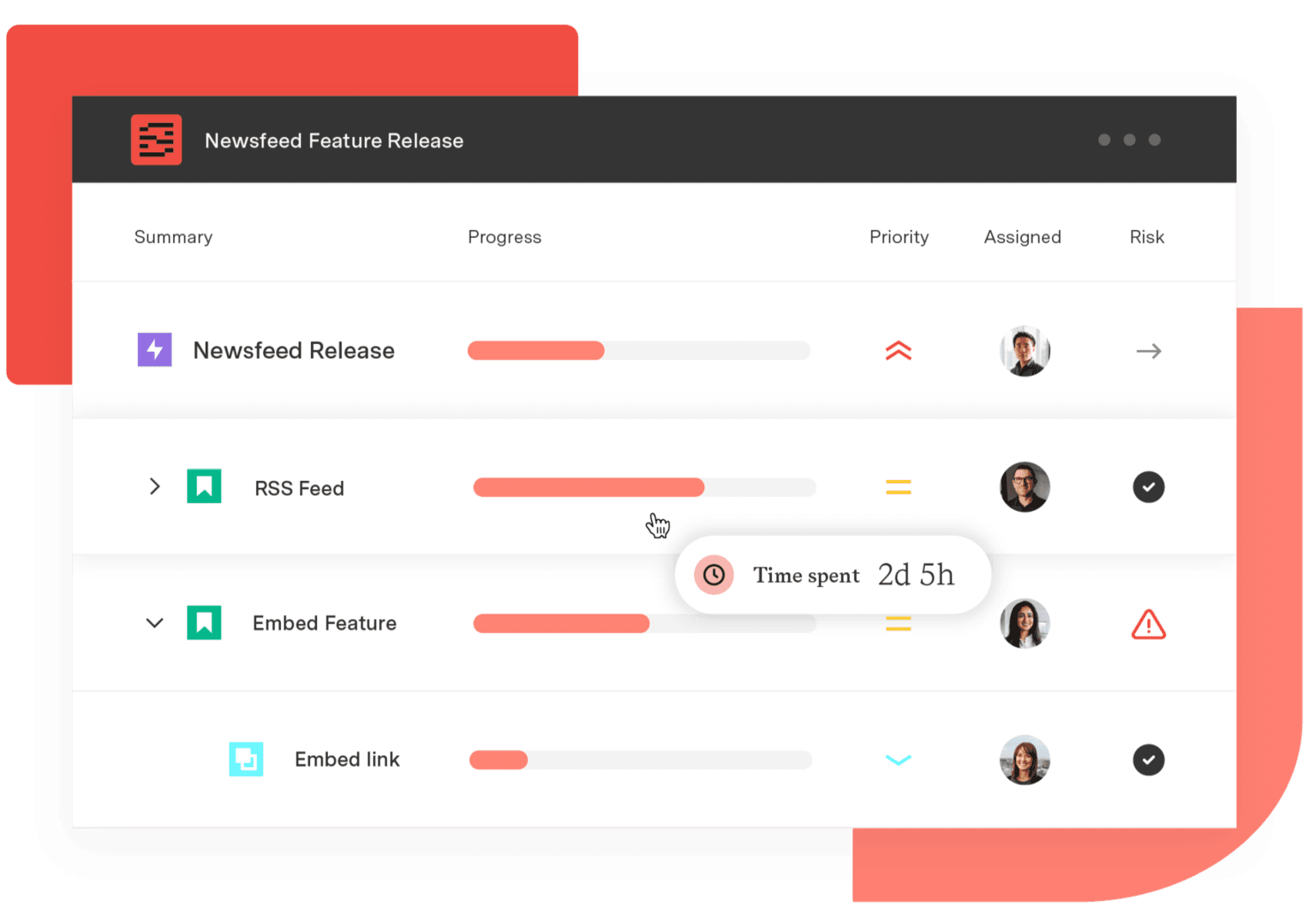
Structure PPM
Align your entire organization
Manage products, projects, and programs in a single spreadsheet-like view. By providing a clear, real-time view of project progress and resource allocation, Structure helps teams meet deadlines and adapt swiftly to changing priorities.
Start a Free TrialFrequently Asked Questions
Couldn't find what you need?Go to our documentation
Not directly. Tempo is Jira-native and runs on Jira's data model. It's built for organizations where Jira is the delivery standard and the goal is to add financial governance and portfolio intelligence on top of that existing foundation.
ClickUp provides time tracking and basic budget fields. A purpose-built CapEx/OpEx framework with worklog-level cost attribution and audit-ready financial records isn't evidenced in ClickUp's core positioning. Tempo Financial Manager and Tempo Timesheets provide that natively within Jira.
If some teams use Jira and others use ClickUp, Tempo can serve the Jira teams without asking the ClickUp teams to change. Portfolio-level aggregation across both would need a separate integration layer, since Tempo doesn't read ClickUp data directly.
Tempo maintains SOC 1, SOC 2 Type 2, ISO 27001/27701, and PCI DSS certifications, plus CSA STAR Level 1, DORA alignment, and a VPAT, with GDPR and CCPA covered via standard DPA. Buyers should verify current certification documentation from both vendors against their organization's requirements during procurement.
Not as a native Marketplace app. ClickUp positions as a Jira alternative rather than a Jira app, and it isn't distributed through the Atlassian Marketplace as of our review. Tempo's SPM suite is on the Atlassian Marketplace.
Not grounded in Jira data. ClickUp offers a workload view that reflects task assignments inside ClickUp's own workspace. It doesn't read Jira worklog data natively. Tempo Capacity Planner provides individual and team dashboards, skills-based assignment, and PvA reporting grounded in Jira time logs.
Tempo's pricing is per-product and tier-based on the Atlassian Marketplace. ClickUp's pricing is freemium with paid tiers published on its own site as of our review. The more useful comparison isn't sticker price: it's what each spend buys. ClickUp spend buys an all-in-one work surface. Tempo spend buys financial and portfolio governance from Jira worklogs.