Getting started with Capacity Planner [recording]
Learn how to set up Capacity Planner effectively, allocate resources for projects, visualize team capacity, and gain valuable capacity insights through meaningful reports.


Key Takeaways
How to set up the basics for plan approvals, Tempo teams, and resource capacity
How to determine and manage resource capacity when planning upcoming projects
How to run reports on capacity and planned time to get the data that you need
How to easily visualize team capacity with Team Planning, the newest feature in Planner
What’s coming up for Planner within Tempo’s product roadmap
Effectively plan and manage the capacity of your resources and teams! Watch this video to learn how Capacity Planner can give you visibility into team time and availability. In this session, our experts, Mayank Agarwal, Edna Kruger, and Dua Abuali will help you understand Capacity Planner's workflows so that you can get the most out of it.
Getting started with Capacity Planner
View webinar on demand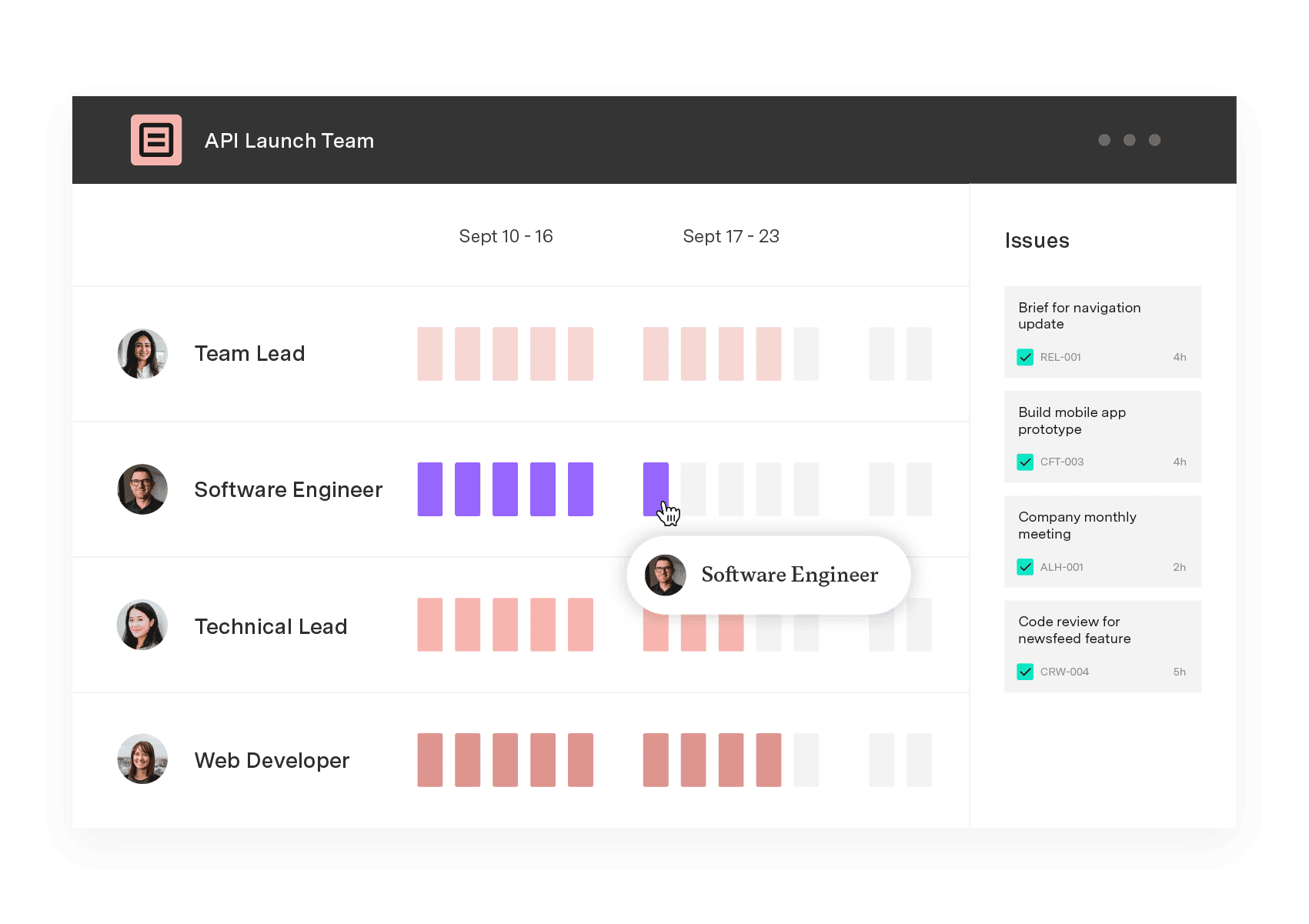
Capacity Planner
Integrate seamlessly with Jira
Capacity Planner is the only tool in the Atlassian Marketplace that allows planning for multiple resources on one issue. Users can customize the UI to include their existing Jira issues and projects.
Start a Free Trial