New cost and revenue reports in Financial Manager


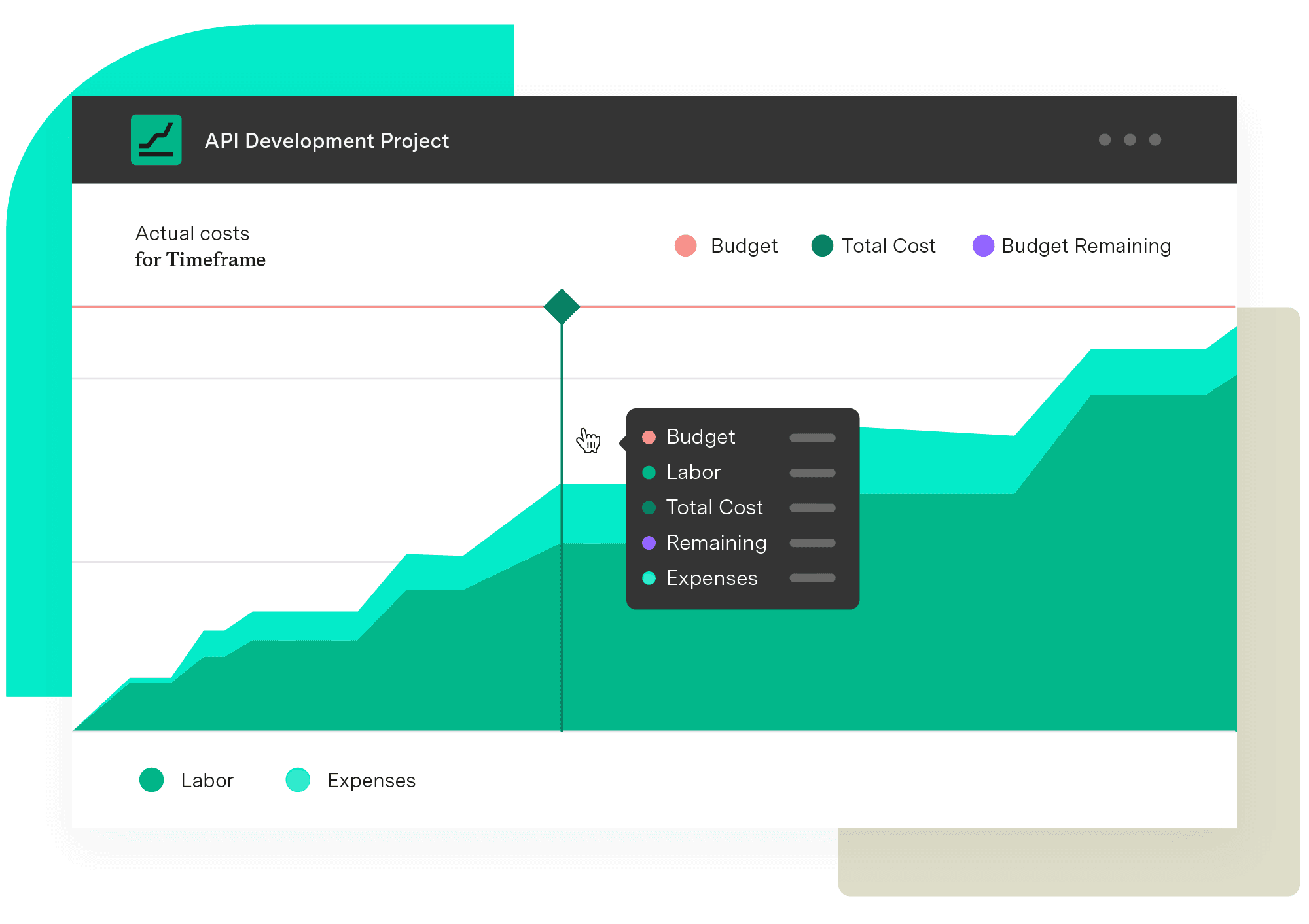
Financial Manager now offers four new reports that make it easier to gain insight into the costs and revenues of your projects and portfolios.
Actual Cost Report
Actual Revenue Report
Planned Cost Report
Planned Revenue Report
Create your first report by going to the “Reports” tab in Financial Manager. From there, you can build a report for any project or portfolio based on the filters, timeframe, and breakdown you define. -
Interested in trialing new features before they become generally available? Become a member of our TempoLab.
Got ideas on how to improve our products? Let us know on our Idea Portal.
Financial Manager
Avoid budget creep
Implement standardized processes and calculations when creating your budgets and monitoring them. Make informed, real-time decisions with an accurate reflection of the work being done and know when you need to pivot.
Start a Free Trial