

Improve your team’s productivity and work-life balance by learning to balance workloads with the help of Tempo.
Jira resource allocation helps teams assign tasks and manage workloads. Learn to use Jira’s tools and enhance your planning with Tempo.

Poor resource allocation drives project delays and team burnout. Jira offers built-in resource management tools, but they aren't always enough to optimize team capacity — project managers often need help from third-party integrations.
This guide covers Jira's resource allocation capabilities and limitations, walks through how to allocate resources in Jira, and shows how Tempo enhances Jira workload management to sharpen decision-making.
Jira resource allocation is the process of distributing tasks and responsibilities among team members based on project requirements and team capacity. Effective allocation keeps deadlines realistic and spreads work evenly.
Poorly allocated resources create bottlenecks and missed deadlines. Project managers turn to Jira to assign work, track progress, and balance workloads across the team.
There are three primary benefits to resource allocation in Jira:
Better workload distribution: Jira's employee capacity insights help managers distribute tasks equally between team members.
Improved task visibility: Jira allows teams to monitor task requirements and assignments in one place.
Efficient sprint planning: Jira supports agile practices like splitting large initiatives into multiple sprints.
Resource allocation in Jira improves collaboration and keeps teams equipped to meet project goals.
Project managers use Jira for resource management because of its features for workload and assignment oversight.
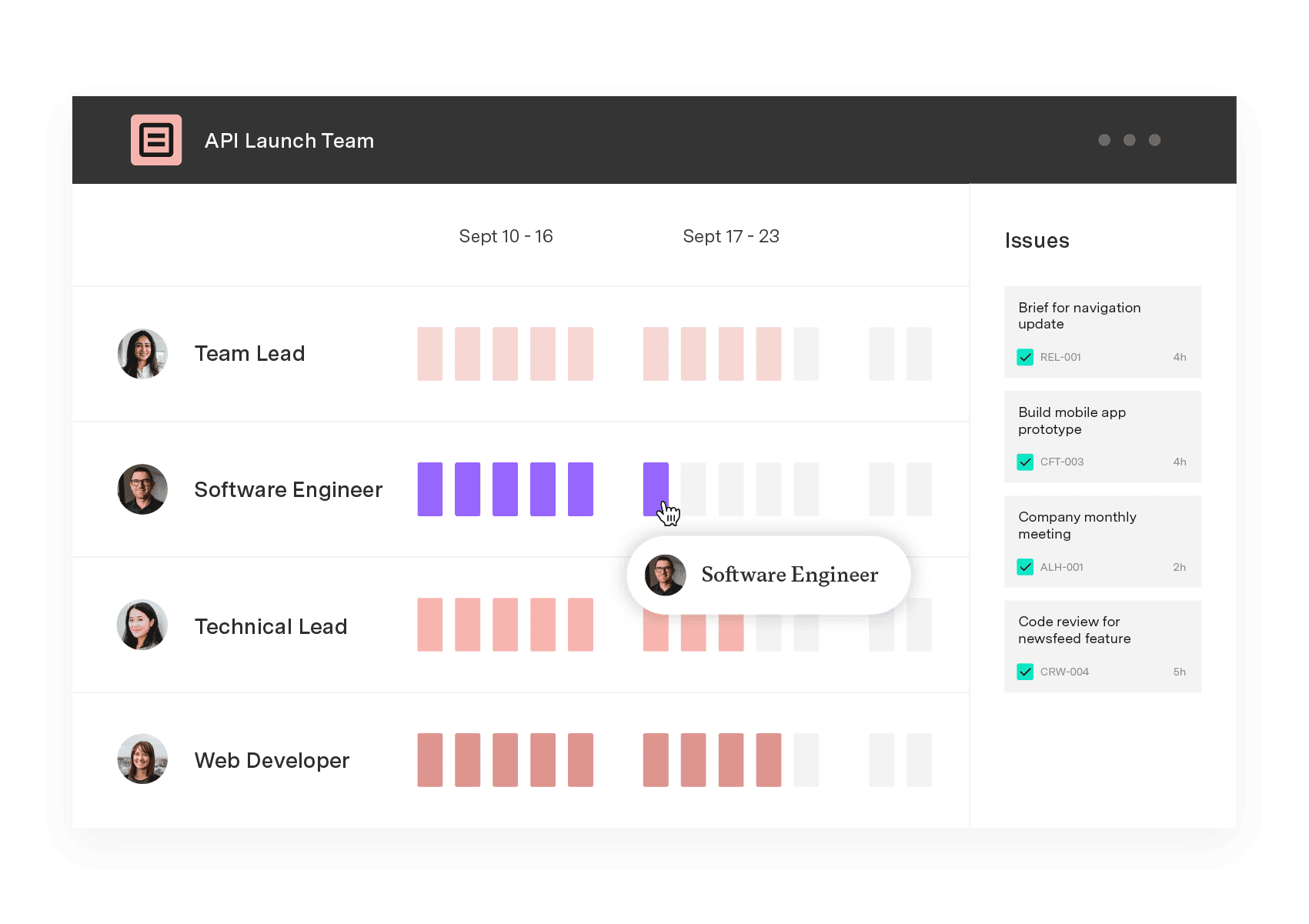
Jira's workload dashboard tracks team members' active assignments in real time. It shows the number of tasks assigned to each person alongside their estimated completion times.
These visualizations help managers keep workloads balanced across the team. By preventing any one person from taking on too much, the dashboard reduces bottlenecks.
Example: A software development team can use this dashboard to ensure coding, debugging, and testing are assigned evenly. If one developer is overloaded, work can be redistributed.
The agile board in Jira supports sprint planning by breaking broader projects into manageable stages. Managers can organize tasks by priority and match them to team members' availability, with a full view of project progress for quick adjustments.
Example: A marketing team can create a sprint for content creation. With progress reports across design and editing phases, managers can revise plans or change course when the market shifts.
Jira's custom dashboards centralize assignments and deadlines using customizable widgets and charts. Managers can generate resource allocation reports to analyze utilization and task completion rates.
Custom dashboards support workload forecasting and data-driven decisions. They also surface task dependencies and priorities so teams can head off bottlenecks.
Example: A construction project manager can build a dashboard that displays equipment allocation, labor scheduling, and task completion status for smoother execution.
Jira integrates time-tracking tools to help teams log and monitor hours spent on tasks. Managers can compare actual hours to estimates and adjust timelines. Tracking individual contributions also builds accountability.
Example: Consulting firms that use Jira can rely on time tracking to bill clients accurately and keep consultant workloads manageable.
Jira's roadmaps and Gantt charts provide a high-level view of a project's timeline, letting managers monitor task dependencies, milestones, and deadlines. These features flag workload spikes and resource constraints in advance.
Example: A software engineering team juggling multiple launches can use a Gantt chart to sequence dependent tasks and chart the most direct path to completion.
Jira has limitations that can impact project efficiency:
No advanced forecasting or capacity planning: Jira doesn't offer robust tools that predict future workload distribution, so teams may struggle to forecast hiring needs or workload swings.
Limited real-time resource tracking: Jira lacks real-time tracking of how resources are being used, making on-the-fly reallocation hard.
No automated workload balancing: Jira won't automatically prevent overbooking, so managers must manually check whether team members are overloaded.
No built-in skill-based task assignments: Jira doesn't match tasks to team members based on expertise or past workload patterns. Skill-based allocation improves efficiency by putting the most qualified person on each task.
To close these gaps, many teams add third-party AI-powered project management tools from the Atlassian Marketplace that strengthen real-time tracking and workload management. These tools improve visibility into team performance and support data-driven decisions.
With help from Tempo's tools, resource planning in Jira gets much easier. Here's a step-by-step guide:
1. Define project scope and requirements: Outline the tasks, deadlines, and required resources. A clear scope makes efficient allocation possible. 1. Assign tasks based on capacity: Use Jira's workload dashboard to check availability before assigning work. Avoid overloading one person when others have room. 1. Monitor and adjust workloads: Check Jira's timesheets and roadmaps regularly to track progress. If someone falls behind, redistribute tasks. 1. Use Gantt charts and forecasting tools: Visualize schedules with Gantt charts. For deeper forecasting, integrate Tempo's Capacity Planner. 1. Prevent overbooking with Capacity Insights: Enable Capacity Insights through Tempo to keep workloads evenly distributed and avoid overload.
Jira gives you a solid foundation for workload management, sprint planning, and reporting, but it has limits. Tempo integrates with Jira to add capacity planning and workload distribution controls.
Tempo's suite of project management tools provides:
Advanced capacity planning: Forecast workloads to prevent overwork or underutilization.
Real-time tracking: View team workloads and rebalance priorities dynamically.
Workload dashboards: Get insights into performance, task distribution, and utilization.
Automated reporting: Generate data-driven reports on resource availability and progress.
Overbooking prevention: Set work limits and distribute tasks efficiently.
Without proper resource alignment, teams face missed deadlines and rising operational costs. With Tempo, organizations gain agility, better collaboration, and maximum efficiency.
Try Tempo today to build a strategic, data-driven approach to resource allocation and get more from your team.
Capacity Planner
Capacity Planner is the only tool in the Atlassian Marketplace that allows planning for multiple resources on one issue. Users can customize the UI to include their existing Jira issues and projects.
Start a Free TrialCouldn't find what you need?Go to our documentation
Jira provides basic workload tracking, but advanced capacity planning requires third-party integration like Tempo.
Tempo’s Capacity Insights helps managers set work limits and prevent overloading team members.
Tempo’s popular plug-ins can enhance Jira’s resource allocation. They’re available on the Atlassian Marketplace.
Improve your team’s productivity and work-life balance by learning to balance workloads with the help of Tempo.

Resource leveling is an underappreciated tool in project management. Learn how to incorporate this process into your business practices.
Explore Tempo’s guide to understanding resource loading, including how to calculate it to increase productivity and streamline workflows.

Effective resource utilization will optimize your team’s productivity and efficiency. What’s more it will increase morale and improve your bottom line

Learn how workload planning helps you balance team capacity, prevent burnout, and deliver projects on time with the right tools and strategies.

Tempo helps manufacturing teams prioritize tasks, predict results, and perform with confidence using the power of planning intelligence.

Optimize IT capacity management with forecasting, workload prioritization, and real-time monitoring. Improve resource utilization with Tempo.

Using Tempo Planner to streamline the management of teams and resources to find available team members and maximize your resource utilization.
The Planner team has been bridging the gap between individual and team planning, and helping leaders manage their resources, people, and projects.

















