Seeking deeper insights from your Jira data? Compare Rich Filters for Jira Dashboard and Custom Charts for Jira to find the best product for you.

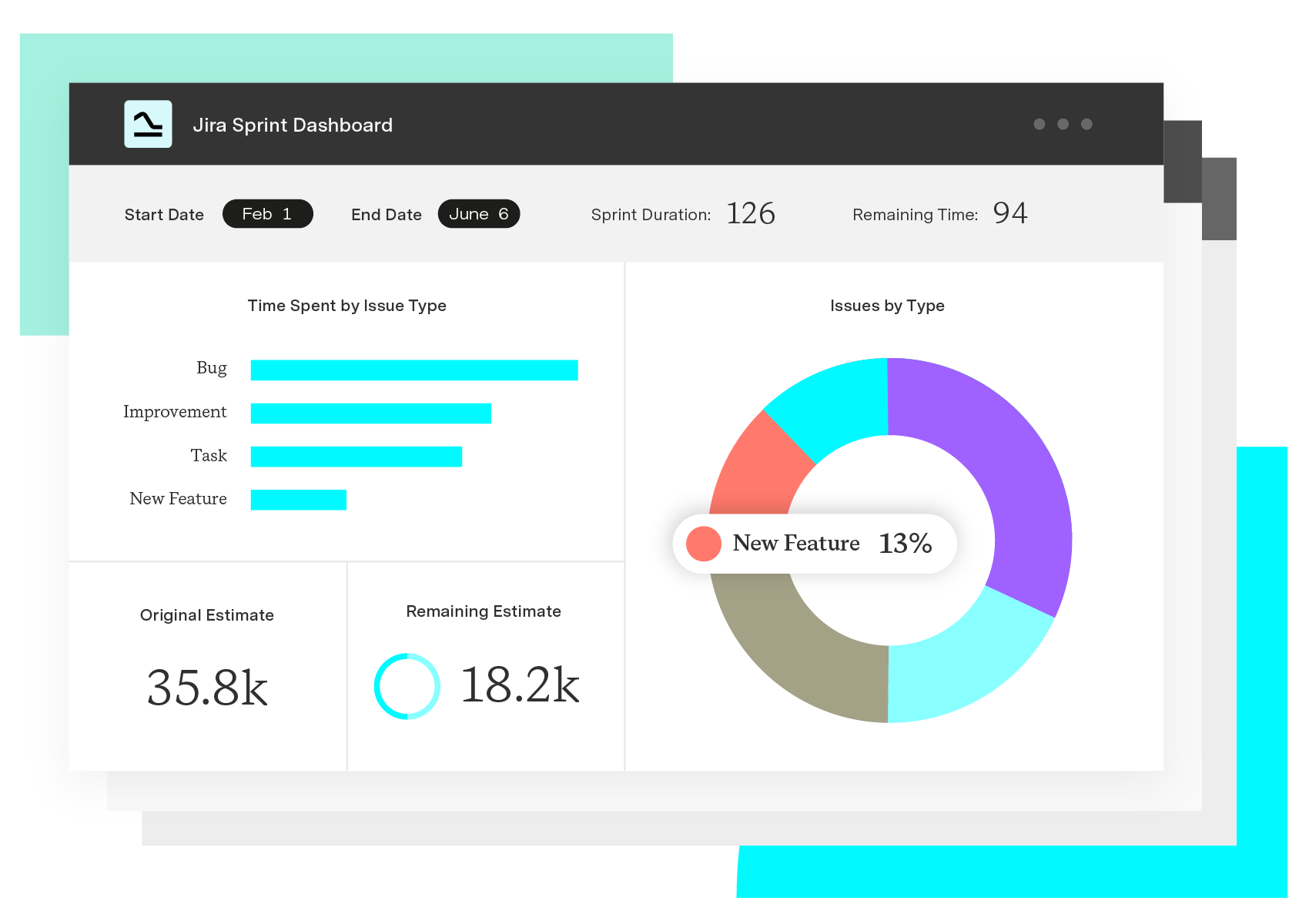
Custom Charts for Jira turns dashboard clutter into decision-ready views. The gadget suite covers charts, issue lists, dynamic filters, cycle-time tracking, historical reporting, and integrations with the tools your teams already use. Here are the features that do the heavy lifting.
The namesake gadget. Teams use it to build clean, presentation-ready charts from any Jira data — burndowns, backlog health, sprint velocity, workload splits — without wrestling with JQL or exporting to a spreadsheet.
See issue specifics on the dashboard itself. Display as many or as few fields as the audience needs, and track supporting data like SLAs alongside the work.
Filter connected Custom Charts and Issue Lists on the fly. One dashboard replaces the ten near-duplicates you used to maintain for each team, region, or component.
Monitor progress with a built-in time-in-status calculation. See how long work sits in each status on average — in hours, days, weeks, or years — and spot the bottlenecks that stall delivery.
Track how teams perform over time with Issue History reporting. Every system field is supported, so trends in priority, assignee, status, and story points are all fair game.
The tools in your stack should work together. Custom Charts integrates with Assets and a range of third-party apps, so dashboards pull from the sources of truth your teams already rely on.
Custom Charts for Jira
Build charts and dashboards to evaluate delivery, capacity, and speed for all teams with Jira's most flexible custom reporting app
Start a Free TrialSeeking deeper insights from your Jira data? Compare Rich Filters for Jira Dashboard and Custom Charts for Jira to find the best product for you.

It's Atlassian vs Tempo! Time to compare the native reporting capabilities of Jira with our custom reporting app, Custom Charts for Jira.

We look at Mindpro Insights' strengths and weaknesses and explain why Custom Charts for Jira is the superior dashboard reporting app.
In our latest Battle of the Apps, we compare Bloompeak's Reports - Charts and Graphs for Jira with our own app, Custom Charts.

We look at EazyBI's strengths and weaknesses and explain why Custom Charts for Jira is the superior reporting app for Jira dashboards.

Jira Align scales up your agile practices, Custom Charts keeps your teams on point. Together, they help enterprises operate effectively at scale.

Custom Charts templates make it easier to onboard new teams to Jira and get them up and running with ready-made charts and dashboards.

See how Timesheets brings estimated vs actual time into Jira with real-time reporting, dashboards, and portfolio rollups built for delivery teams.

Ready to make the most of Tempo? Unlock powerful analytics and drive smarter decisions with intelligent insights.