

Sprints answer "what are we doing in the next two weeks." A schedule answers "when does this initiative land, and what depends on it." Most teams pick one and lose sight of the other. Sprint scheduling closes that gap – treating each sprint as a scheduled block of work inside a longer plan, so engineering teams keep their cadence and program managers keep their delivery dates.
What is sprint scheduling?
Sprint scheduling is the practice of planning sprint-level work inside a longer-horizon schedule – not just inside a sprint backlog. Teams still run sprints the way they always have. The difference is that each sprint sits on a timeline alongside the epics, dependencies, and milestones it contributes to, so a slipping sprint is visible as a slipping initiative, not just a missed velocity target.
For programs running multiple agile teams against shared deadlines, sprint scheduling is the connective tissue between sprint-level execution and portfolio-level commitments. It answers questions like: which initiatives are at risk if Team A's next sprint slips, what dependencies between teams need to land in which sprint, and where do we still have capacity to take on new scope.
Benefits of sprint scheduling
Connect sprints to outcomes. Every sprint maps to a parent epic or initiative on the schedule, so leadership sees the sprint's downstream impact.
Spot cross-team dependencies early. When sprints sit on a shared timeline, "we need Team B's work before we can start ours" stops being a sprint-review surprise.
Plan capacity realistically. Schedules show which sprints are already committed and which still have room, instead of teams discovering overcommitment mid-iteration.
Keep the plan honest. When sprints move, the schedule moves with them – the timeline reflects what's actually happening, not what was promised in Q1.
How to use sprint scheduling
Start with the structure of work above the sprint: initiatives, epics, releases, or programs. Build that hierarchy first so each sprint has a parent it contributes to. Then schedule each epic across the sprints it spans, factoring in team capacity and the dependencies between teams.
During execution, run sprints normally – planning, daily stand-ups, reviews, retros. The schedule reads from Jira, so as issues move through sprints and statuses change, the timeline reflects reality. When a sprint slips, the program manager sees it in the schedule and can have a conversation with stakeholders about scope, sequencing, or resourcing before the slip becomes a missed launch.
Managing sprint scheduling with Gantt Charts for Structure PPM
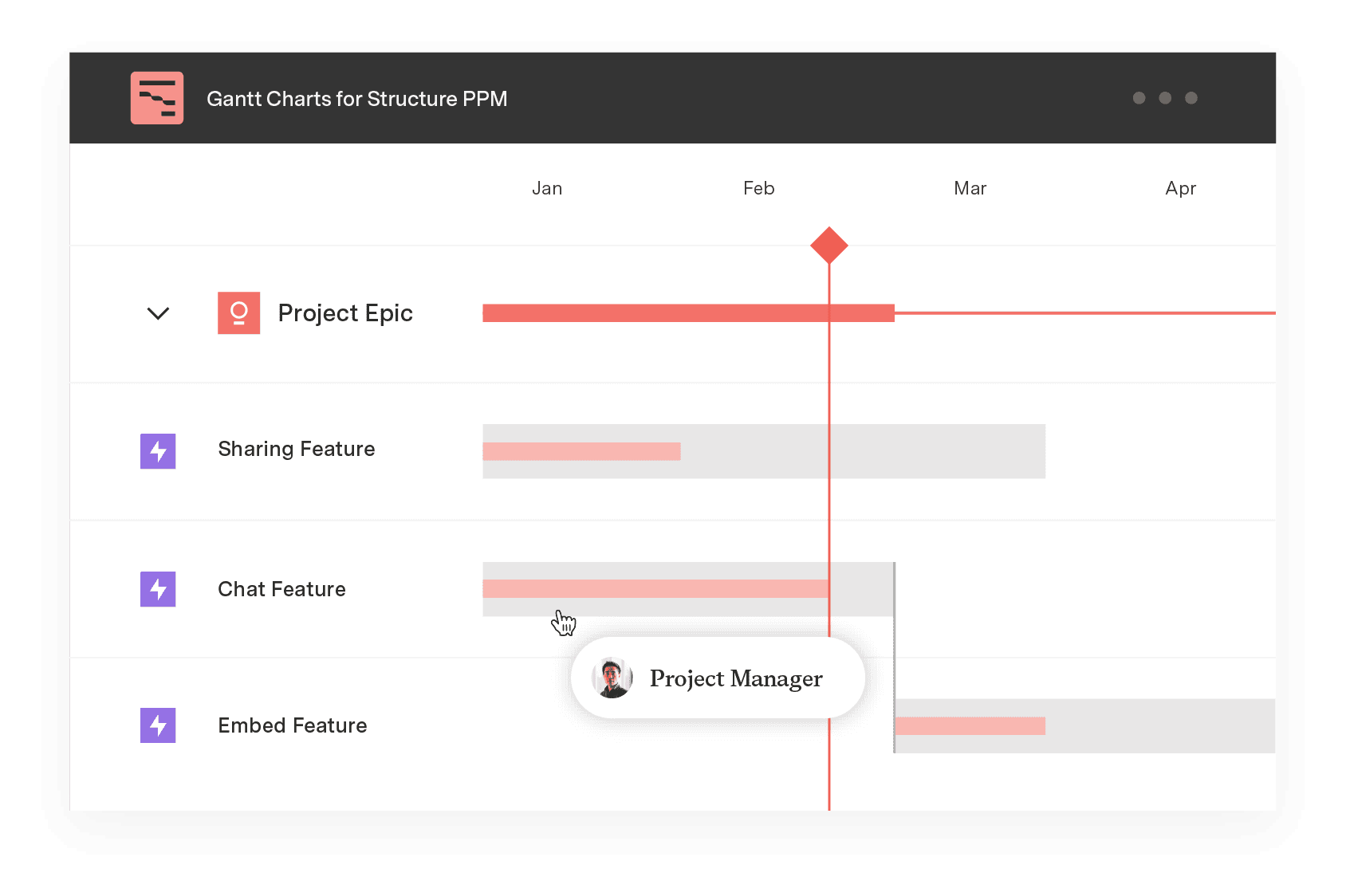
Gantt Charts for Structure PPM gives agile and hybrid teams a way to schedule sprints inside a longer plan without abandoning Jira sprints or forcing a Waterfall workflow. Because the Gantt view sits on top of Structure hierarchies, teams can build a hierarchy that nests sprints under epics, epics under initiatives, and initiatives under portfolios – then visualize all four layers on one timeline.
That flexibility matters because most agile-at-scale problems aren't pure agile or pure Waterfall. A typical program has feature teams running two-week sprints, a platform team on a different cadence, and a hardware or compliance dependency that's strictly sequential. Gantt Charts visualizes all of that on a single chart, with drag-and-drop dependencies between issues regardless of which sprint or team owns them.
Schedules can be defined using Jira fields, transition dates, or a scripting language, so teams can model sprint-aligned schedules from the data they already maintain. Baselines (available on Cloud and Data Center) capture the original sprint plan and let teams compare it to where the work actually landed – useful retro material and useful evidence for the next planning cycle.
Sprint scheduling examples
Multi-team program with a hard launch date. A product launch depends on three feature teams plus a platform team, each on its own sprint cadence. The program manager schedules each team's sprints on a shared Gantt view, marks the launch as a milestone, and sets dependencies between cross-team work items. When one team's sprint slips, the impact on the launch milestone is visible the same day, not at the end of the quarter.
Quarterly planning across an agile portfolio. A PMO runs quarterly planning across eight teams. Instead of static slides, the team builds a Structure that nests sprints under each team's epics, then uses the Gantt view to walk leadership through which initiatives land in which quarter and where teams are over- or under-committed.
Hybrid release with sequential compliance work. An engineering team runs feature development in sprints, but a security review and a regulatory sign-off must happen in sequence after the feature freeze. The Gantt view shows the sprints feeding into the freeze, then the sequential compliance steps after, with dependencies linking them.
Sign up for a demo
Request Demo